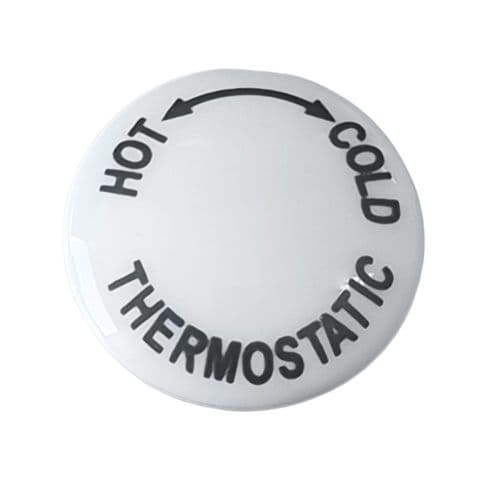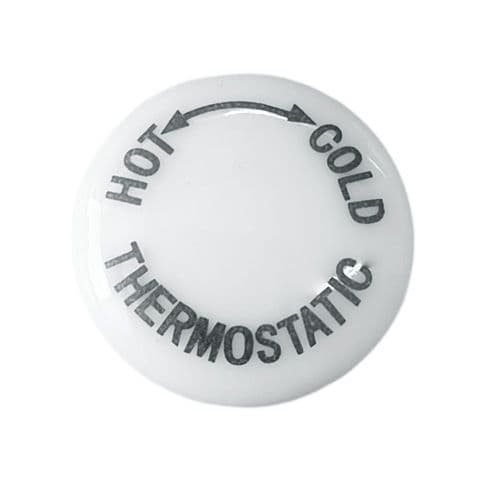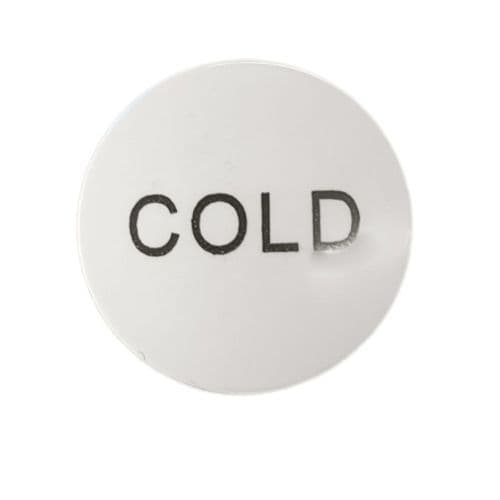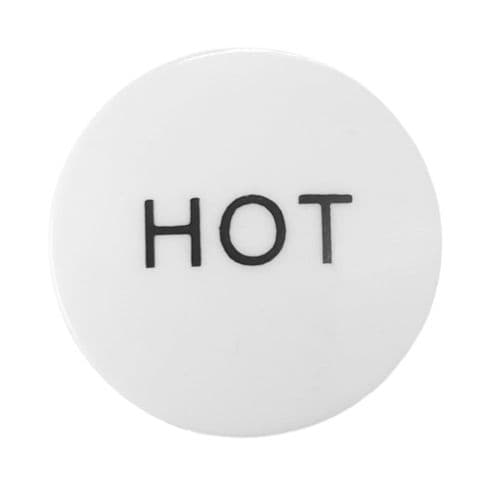
Tap Indices
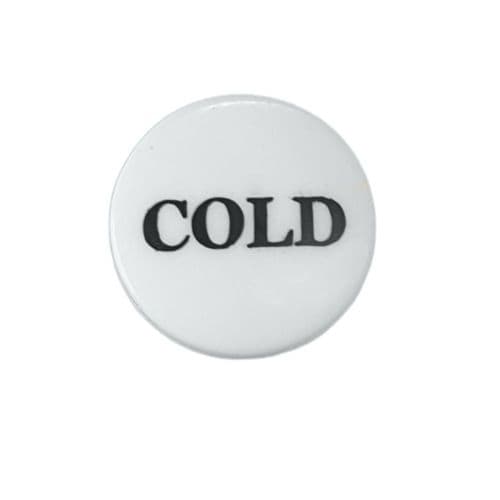
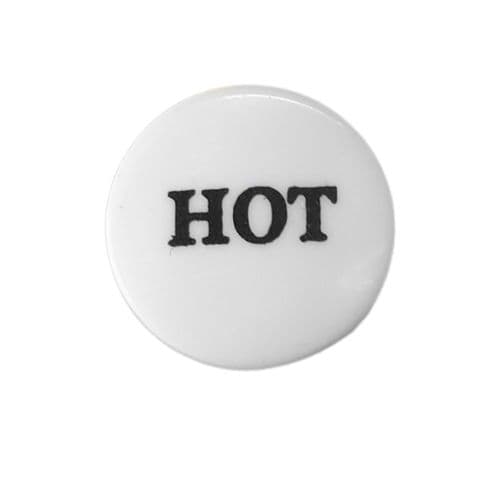
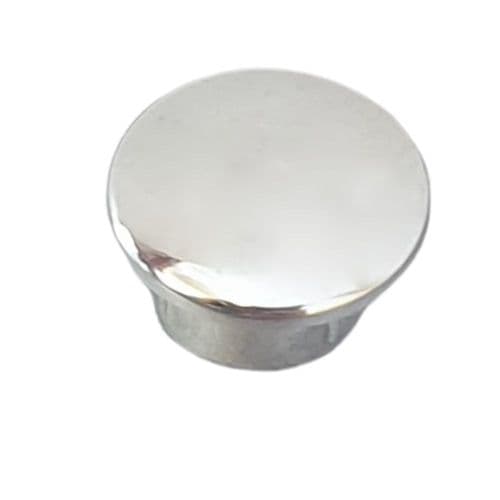
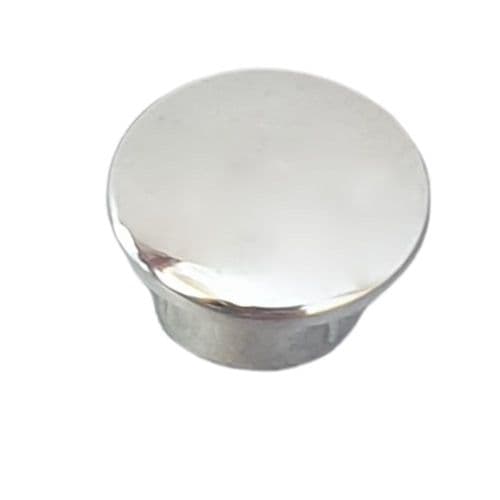
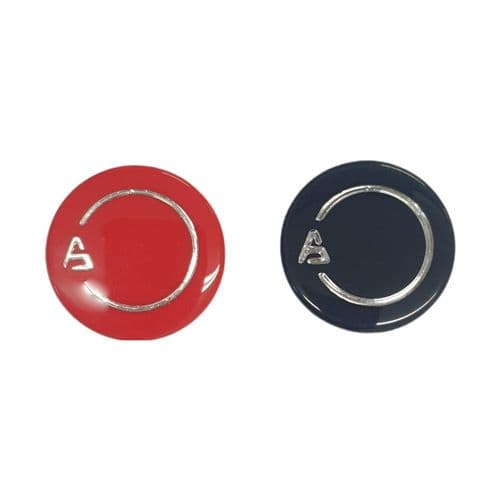
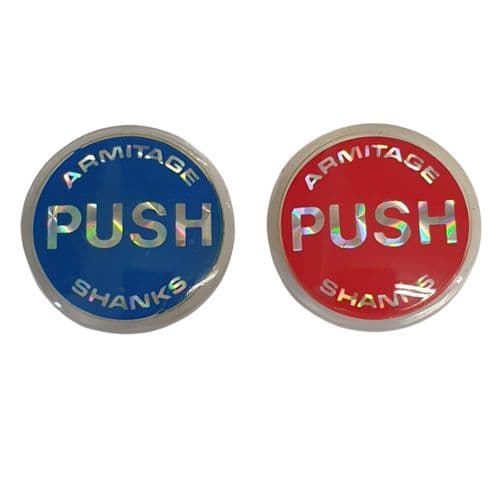
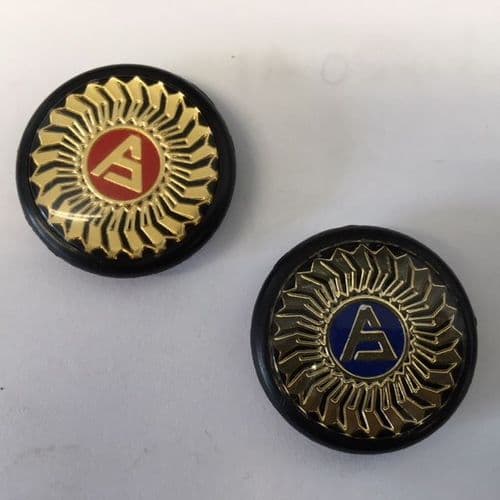
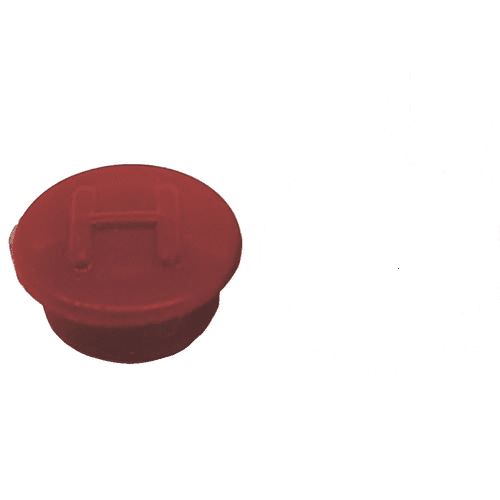
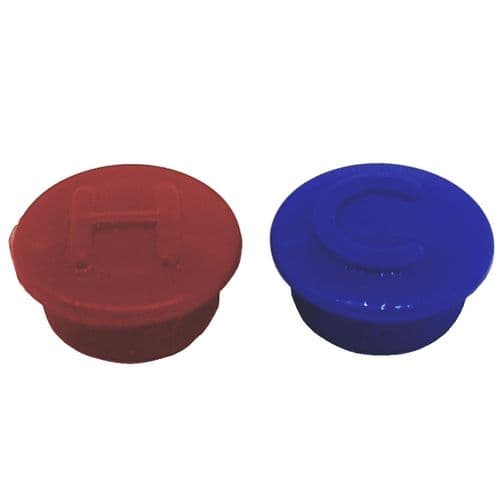
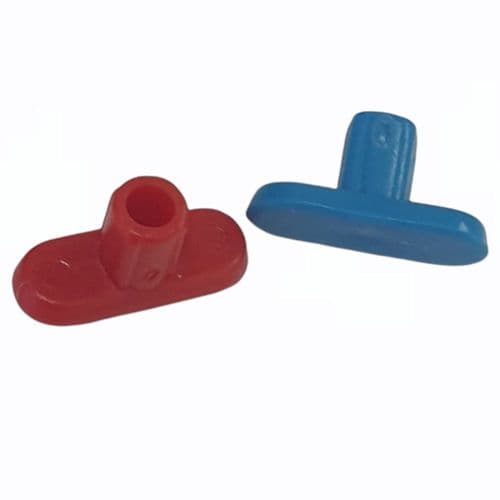
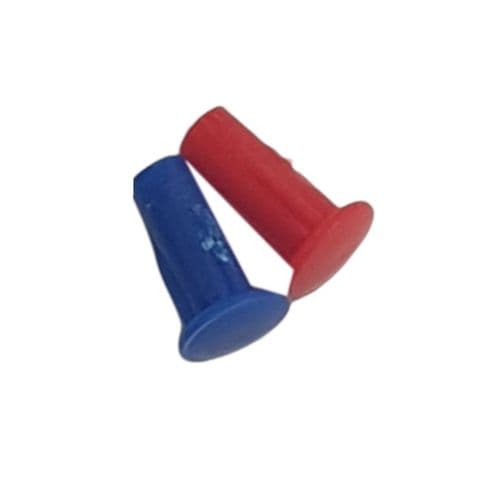
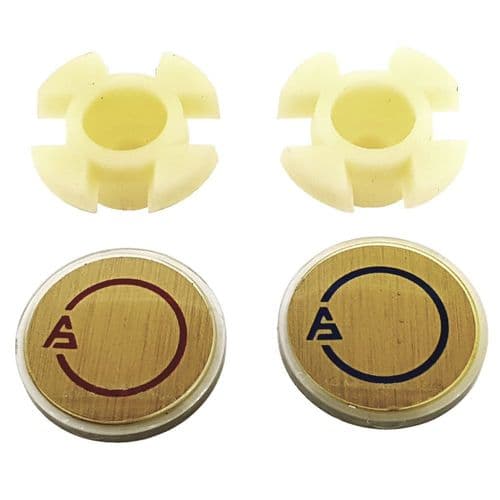
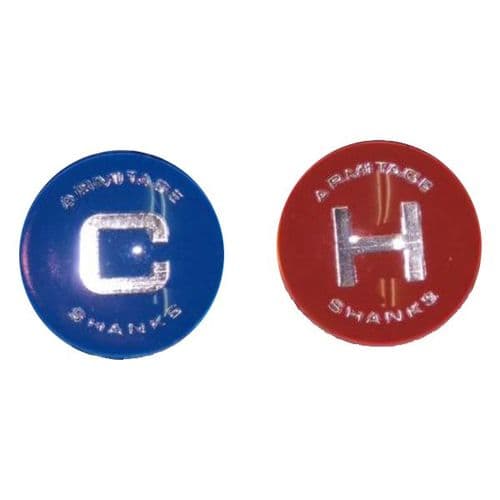
When the hot or cold indicator on a tap has faded, cracked or gone missing, you need a replacement tap indice. This is the small disc or cap that identifies each tap and locks into the handle head. We supply tap indices, tap inserts and tap caps in flat, push in, screw in and ring types for bath taps, basin taps, kitchen taps and mixer taps, including ceramic and plastic options in red and blue hot and cold finishes. Types not available through standard trade counters are stocked here.
Tap Indices, Inserts and Caps for Bath, Basin and Kitchen Taps
Hot and cold tap indices, tap inserts, tap caps and indicator buttons for individual and mixer taps.
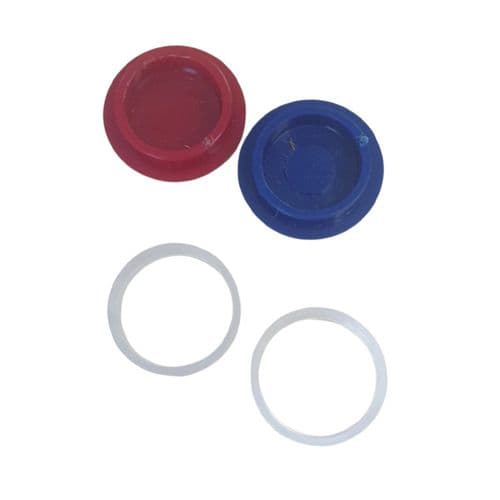
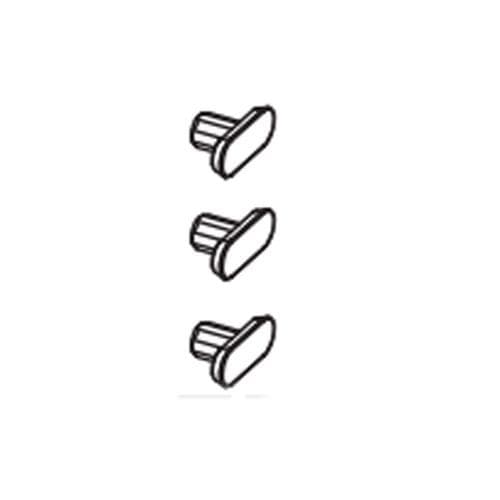
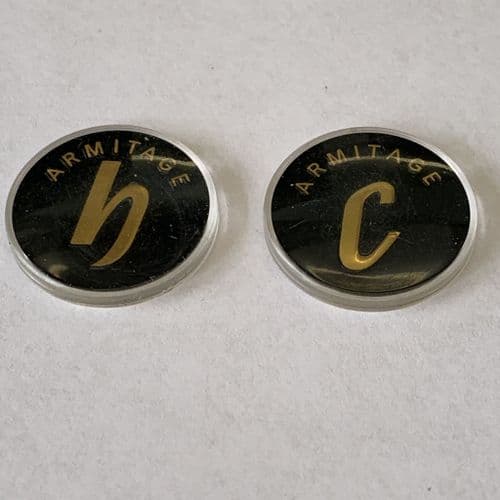
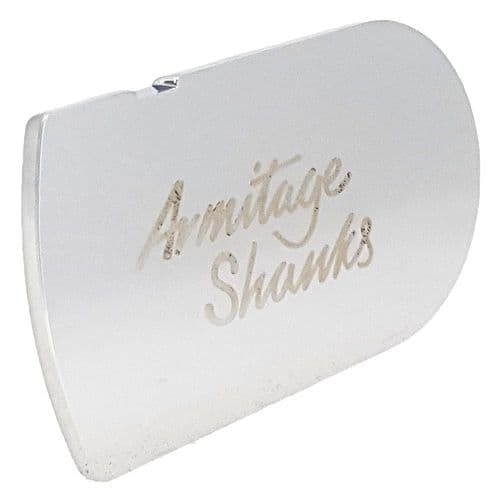
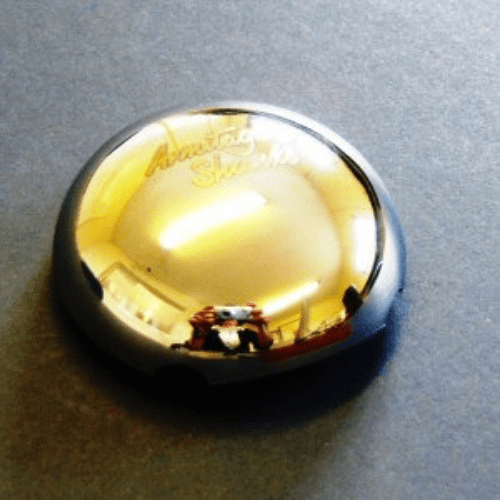
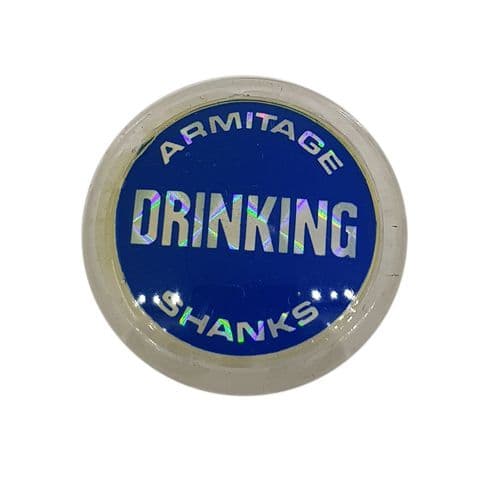
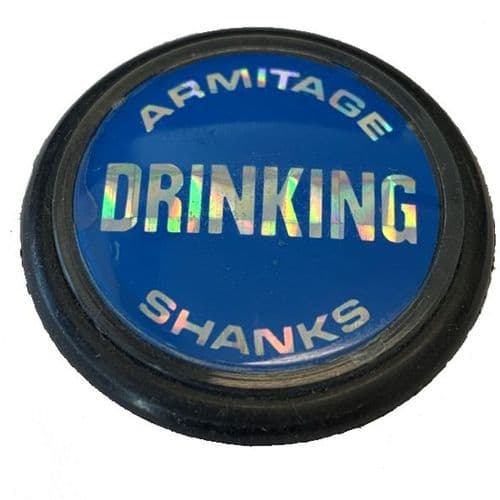
If you have a bath tap, basin tap or kitchen tap where the hot or cold marking has worn away, the small disc at the top of the handle is called a tap indice. It is one of the most straightforward replacements in tap maintenance. Customers arrive searching for tap inserts, tap caps, tap tops, tap indicators, tap buttons, tap covers and tap labels, and in most cases they are looking for the same thing: the small component that tells you which tap is hot and which is cold. We stock flat tap indices, push in tap indices, screw in tap indices and holders, and tap indice rings to cover all four attachment types. If you need ceramic tap indices for a traditional-style tap, or plastic tap inserts for a more modern fitting, both are available here, as are hot and cold tap buttons in red and blue for mixer taps and individual taps alike. Bathroom tap inserts for basin taps, bath tap caps and indices for mixer taps are all stocked. We supply replacement tap indices for Bristan and a range of other brands where the original index can no longer be sourced from the manufacturer.
Which Type of Tap Indice Do You Have?
Four types are stocked. Here is how to tell them apart before you order.
Flat Tap Indice
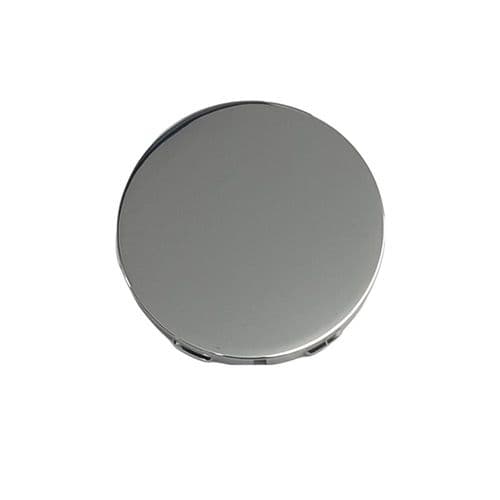
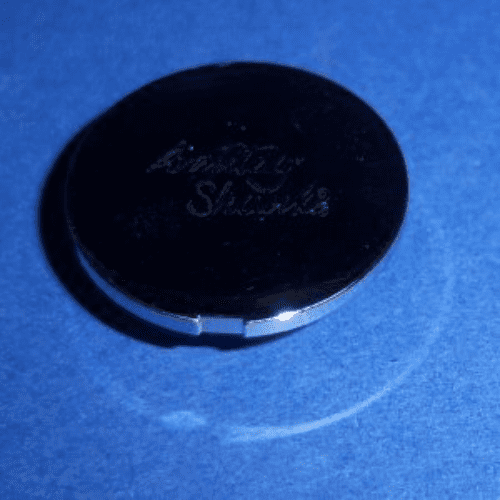
A flat, disc-shaped insert that sits level with or slightly recessed into the top of the tap handle. Usually round or shaped to a recess.
Sits inside a holder or recess. Does not push in or screw. It rests in place and is held by the handle cap above it.
Push In Tap Indice
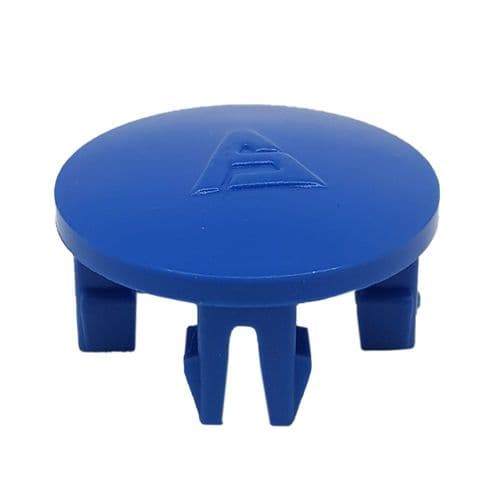
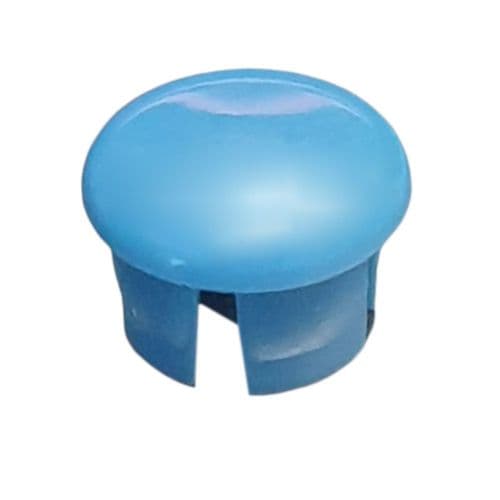
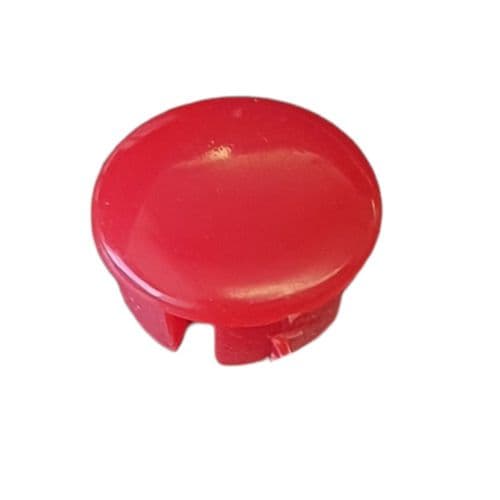
A small cap or button that clips directly into a hole in the top of the tap handle. No tools needed. It pushes in and grips.
Friction fit into a pre-drilled hole. To remove it, use a thin implement to lever it out from one side. They pop out cleanly.
Screw In Tap Indice
A cap or disc with a threaded base that screws directly into a threaded hole in the top of the tap handle or holder.
Unscrews anticlockwise with finger pressure or a coin. The threaded collar underneath is the distinguishing feature. Check for it.
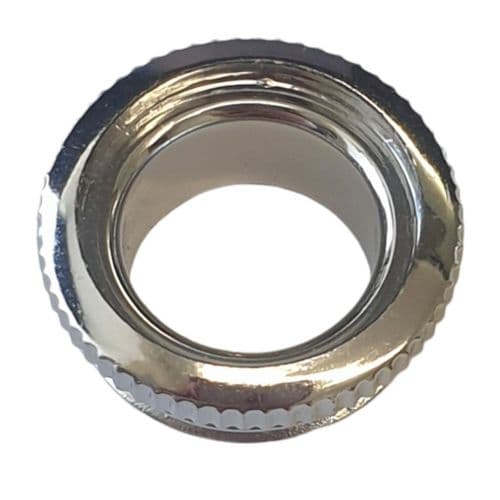
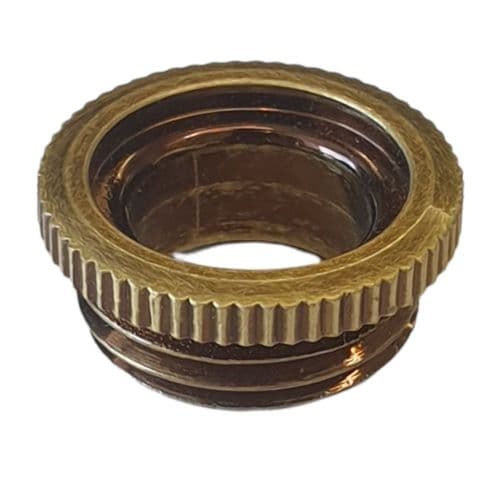
Tap Indice Ring
A ring-shaped indicator that sits around the base of the tap handle or around the tap neck rather than on top of the handle.
Usually held by a cover cap that sits over it. If yours is a ring shape rather than a disc or button, this is your type.
What Are Tap Indices Called? A Guide to the Terminology
The same part goes by many names. This table explains what each term refers to.
| Term | What it refers to |
|---|---|
| Tap indices / tap index | The correct trade term. A tap indice (or index) is the small disc, cap or ring fitted to the top or neck of a tap handle to show whether the tap is hot or cold. The plural is indices. |
| Tap inserts / tap inners | The most common alternative name used by homeowners. Tap inserts and tap inners refer to the same component as tap indices. The term is particularly common when searching for push in types. |
| Tap caps / tap top caps | Another widely used term for the same component, especially when the indice has a cap-like appearance. Tap top caps specifically refers to indices that cover the very top of the handle head. |
| Tap tops / tap top covers | Used interchangeably with tap caps in most searches. If someone asks for replacement tap tops or tap top covers, they are looking for the same hot and cold indicator as tap indices. |
| Tap indicators / tap buttons | Terms used when the focus is on the hot and cold labelling function rather than the physical part. Hot and cold tap buttons and tap indicators are the same item described from a functional angle. |
| Tap covers / tap labels | Less common but valid terms for the same component. Tap covers and tap labels tend to appear in searches where the customer is replacing a worn or illegible hot and cold marker rather than a damaged one. |
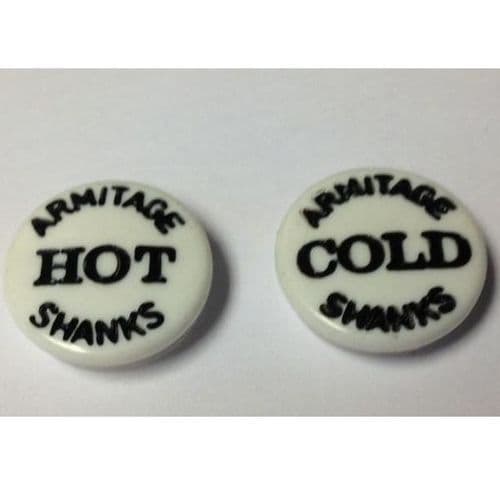
| Ceramic tap indices | Tap indices made from ceramic rather than plastic. Found on traditional and heritage-style taps. Ceramic tap indices are typically flat or push in types and carry engraved hot and cold markings. |
| Indice cap / indice ring | A cover cap that secures a flat indice in its holder, or a ring-shaped indice that fits around the tap body. Both are stocked as separate components and are not the same as the indice itself. |
Frequently Asked Questions about Tap Indices
Common questions about identifying, removing and replacing tap indices.
What is the difference between a push in, flat, screw in and ring tap indice?
The four types attach to the tap in different ways. A flat indice sits in a holder or recess and is held in place by a cover cap. A push in indice friction-fits into a hole in the handle top and can be removed with a thin tool from the side. A screw in indice has a threaded base and unscrews anticlockwise. A ring indice fits around the tap body or handle base rather than sitting on top. Push in types are the most common on modern taps. If you have one, the push in tap indices section has the full range.
Are tap inserts, tap caps and tap tops all the same thing?
Yes, in most cases. Tap inserts, tap caps, tap tops, tap indicators, tap buttons, tap covers and tap labels are all names customers use for the same component: the small hot and cold marker fitted to the top or neck of a tap handle. The variation in terminology comes from different trades and different decades describing the same part. The reference table on this page maps each term to the correct product type, so if you are unsure what yours is called, that is the place to start.
How do I remove a tap indice without damaging it?
The method depends on the type. For a push in indice, insert a thin flat tool (a butter knife or small screwdriver) at the edge and lever gently. They are designed to pop out without force. For a screw in indice, turn anticlockwise with finger pressure; if it is stiff, a coin in the slot gives more grip. For a flat indice in a holder, remove the cover cap first and the disc will lift free. Avoid metal tools on ceramic tap indices as the surface chips easily. If the indice will not budge, heat from a hairdryer applied briefly to the handle softens any residue holding it in place.
Do tap indices fit mixer taps as well as individual hot and cold taps?
Yes. Indices for mixer taps are stocked alongside those for individual pillar taps. On a mixer tap, each lever or handle head typically carries its own hot or cold indice in the same push in, flat, screw in or ring configuration as a pillar tap. The attachment method is the key factor when ordering, not whether the tap is a mixer or a pillar type. If you have a mixer tap where one handle has lost its hot or cold cap, the correct replacement is identified by how the existing indice on the other handle attaches, not by the tap type itself.
Do you stock tap indices for Bristan taps?
Yes. Bristan is one of the most searched brands for tap index replacements and we carry indices for a range of their tap models. If you have a Bristan tap and need to match the correct indice, the correct indices for your model are listed in the Bristan tap spares section. If you cannot find a match there, email us with a photo of the existing indice and the tap model name. We can source most Bristan indices that are not listed on the site.

-194469-p.jpg?w=500&h=500&v=FDDB51C1-0E6C-46A2-8904-7E8F23FD4D24)

-194450-p.jpg?w=500&h=500&v=8B8F139E-FAF2-4FE1-ACE2-E5A2CA105972)

-194459-p.jpg?w=500&h=500&v=F55312B4-BAC4-4DBD-9FD8-63E357E4E77E)

-194438-p.jpg?w=500&h=500&v=42191DF5-4B67-48DE-9D39-40080455BED7)

-194473-p.jpg?w=500&h=500&v=0591263E-A793-46BE-A1C0-D1531FAE6FF7)

-194497-p.jpg?w=500&h=500&v=76E6AB40-00C8-42EE-8C5F-98748B33E5BB)

-194505-p.jpg?w=500&h=500&v=D9AADCC5-4E31-4024-A3C4-D5F44EC28C8E)

-194525-dv-p.jpg?w=500&h=500&v=0CCE94AF-525B-4B09-A176-5B794A5955EE)

-194532-p.jpg?w=500&h=500&v=66D151C2-29D6-41E9-AC71-12EA3876807A)

-194221-p.jpg?w=500&h=500&v=B3581057-E631-4361-B277-1F1A4661E23D)

-194208-p.jpg?w=500&h=500&v=EEBBB3F8-EBA5-4155-BCAA-EFED90488E38)

-204421-p.png?w=500&h=500&v=1B20C2A0-5EF3-4AF5-8FC4-FE60102A8E53)

-194475-p.jpg?w=500&h=500&v=EC98D715-E599-4CDD-BA23-027486205542)

-130315-p.jpg?w=500&h=500&v=9DF6DA87-D13E-4978-8C85-525270C276D6)

-137085-p.jpg?w=500&h=500&v=32F622E7-9F39-4418-95A8-6A734493ED0A)

-85324-p.jpg?w=500&h=500&v=A5D8A21E-F636-4B19-B5D8-EA40D9F9C793)

-234628-p.jpg?w=500&h=500&v=30A87CCE-A5E7-4D2F-9E27-9B03D2CFA9E6)

-37063-p.jpg?w=500&h=500&v=4F487242-3CD4-4A24-B177-E8D150A0BAEE)

-15436-dv-p.jpg?w=500&h=500&v=FD6FD7CF-1570-4D63-A781-988023281494)

-15416-p.jpg?w=500&h=500&v=edb56473-3232-40cb-a8c4-398b9f93d78a)

-111123-p.jpg?w=500&h=500&v=A88B6990-D3AA-4A95-972D-EA0D35040736)


-137107-p.jpg?w=500&h=500&v=2F001AF2-59AB-43E6-AD8F-D29D9BF10723)

-137095-p.jpg?w=500&h=500&v=ED7C2F66-56C2-4C7A-A264-4AC547903811)

-24421-p.jpg?w=500&h=500&v=edb56473-3232-40cb-a8c4-398b9f93d78a)

-137101-p.jpg?w=500&h=500&v=3B959540-F5DD-478B-9C6B-D9607B44FA30)

-27127-p.jpg?w=500&h=500&v=edb56473-3232-40cb-a8c4-398b9f93d78a)


-15422-p.png?w=500&h=500&v=117187CA-C747-49AA-9B1D-BF6C7088ECE2)


-130322-p.jpg?w=500&h=500&v=684C8E3D-E40F-465D-A72C-BA1B3D08B937)

-130321-1-p.jpg?w=500&h=500&v=D636A063-6CEB-4351-AF66-91132FAA40B8)

-130325-1-p.jpg?w=500&h=500&v=9DA81330-1EE0-4661-9829-E25785BC4CC2)

-15456-p.jpg?w=500&h=500&v=0ACF6365-DE03-443F-AE66-6A296AACC115)

-15423-p.jpg?w=500&h=500&v=7820DF05-8E0B-4083-AE8D-FB3DA93C83F9)

-15433-p.png?w=500&h=500&v=5170B964-2E63-4C4F-A3B4-A5A19A7DF406)

-23094-p.jpg?w=500&h=500&v=8B67A817-72C0-42F8-9EEC-F73EFDE3D962)

-130317-p.jpg?w=500&h=500&v=82108063-8366-4BB0-B0DB-7505768A5FC3)


-16000-1-p.jpg?w=500&h=500&v=92B158FF-EBD9-486A-995B-64CEE9A048C2)

-127496-p.jpg?w=500&h=500&v=edb56473-3232-40cb-a8c4-398b9f93d78a)

-127486-1-p.jpg?w=500&h=500&v=C1EE0005-F291-47FF-B64A-A58F130539B2)

-127487-1-p.jpg?w=500&h=500&v=21F4DD31-BF69-4008-A5E3-DF8409C521F9)

-69510-p.jpg?w=500&h=500&v=46E99554-4902-4398-8DF4-4F624E6C47FC)

-15470-p.png?w=500&h=500&v=6302F041-0FDA-4EA3-8BD6-B13FA1D96952)

-69508-1-p.jpg?w=500&h=500&v=3E639B87-1AD8-480E-A60E-45B5AC5694B8)